PostgreSQL Dashboard

Overview of PostgreSQL Dashboard
The Postgres dashboard gives you instant visibility of dynamically maintained data about the connected component in a graphic layout. Built using UI Bakery, the Postgres dashboard offers a convenient way to integrate with PostgreSQL and offers database administrators, data analysts, and businesses an easy-to-use platform to manage their information.
Highlights of PostgreSQL Dashboard
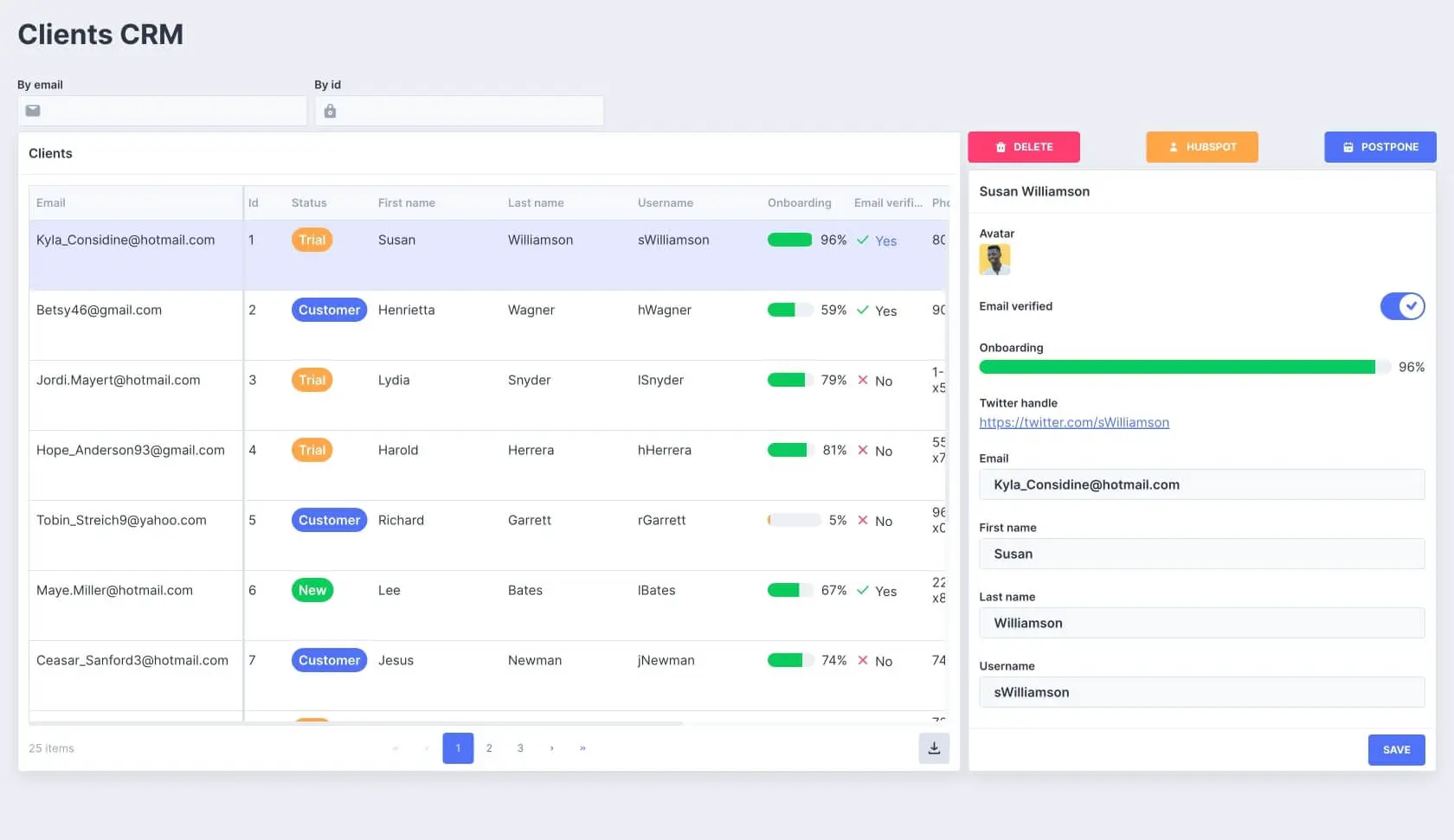
- Consolidated Database Table – Intuitive PostgreSQL Interface: View all your records in a structured layout with a single glance. Database entries such as Customer Name, Order ID, Order Date, Delivery Date, and Order Status are displayed for easy understanding.
- Search Capabilities – Swift Database Entry Retrieval: Quickly find the exact record you want, enhancing your database interaction experience.
- Detailed Record Insights: On selection of a record, gain detailed insights, including value, quantity, and delivery date – all presented on a separate card. Also, a visually appealing chart breaks down revenue by product, assisting in faster decision-making.
- Direct Edit Feature for Up-to-date Database Management: Update essential data such as order date, delivery date, and status directly from the interface – ensuring the accuracy and relevance of your database.
How PostgreSQL Dashboard template works?
UI Bakery enables you to transform your data into dynamic internal tools, leveraging a combination of pre-built and customized components.
Try UI Bakery
- To initiate, click "Sign up".
- Establish your organization and create app "From template"
- Customize your generated application visually by intuitively dragging and dropping components and crafting queries for your resources.
- Expand the capabilities of this application by linking to your personal database, kickstarting the development of robust internal tools.